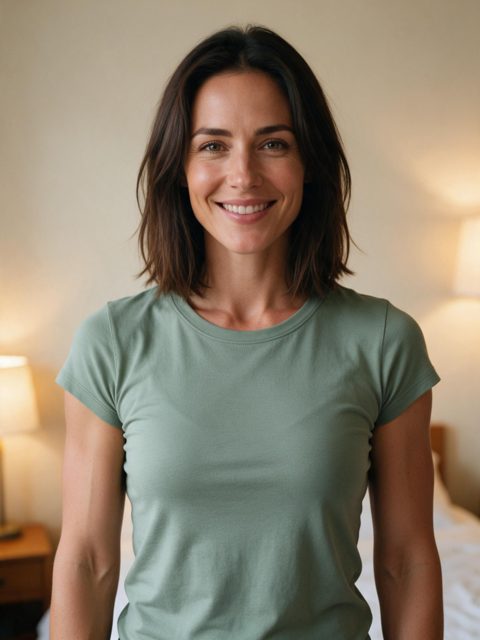
Bedroom selfie, green tee1 photo in · 7 s out
Bicep Heart AI turns one photo of you into the viral bicep heart video: it flexes your arm, curls your other hand into a heart on the bicep and adds the trend sound. Add a waist-up photo, wait about 5 to 7 minutes, and save a 7-second vertical clip ready for TikTok.
Your 7-second video comes with the trend sound and caption already on it.
The sound is for personal posts; you can swap it on TikTok. Not happy with a finished video? Email us within 7 days. Refunds · How we handle your photo
From $9.99 a video. You sign in first; your photo stays selected.
Bicep Heart AI is an AI video tool that makes the bicep heart trend from a single photo. It follows the trend clip move for move (the flex, the hand curl, the heart) with your own face, hair, outfit and background, so you join the trend without filming or posing. Each video is 7 seconds, 720p, with the sound and an optional caption.
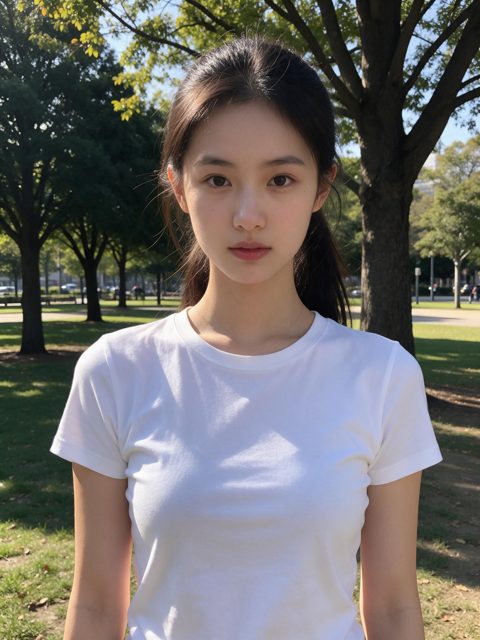
It reads your photo: your face, hair, outfit, the room behind you and where your arms are. You stay you; nobody from the trend clip is swapped in.
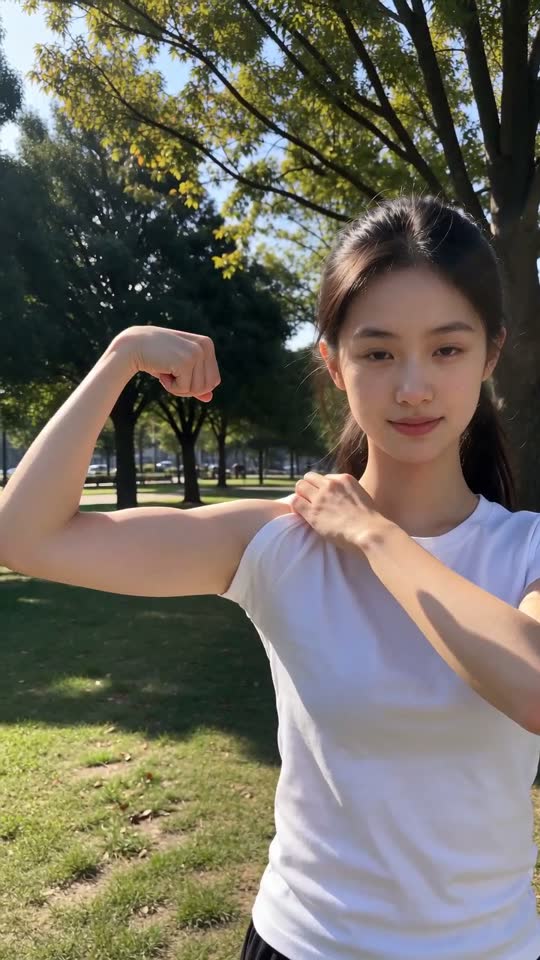
It lifts one arm and flexes it, fist near the ear, keeping your arms the size they are in the photo.
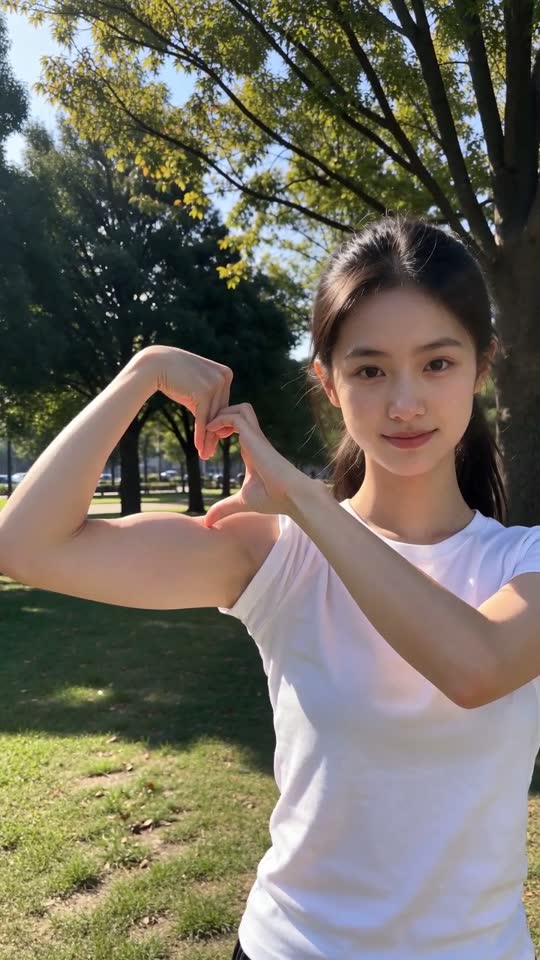
It curls your other hand into a C on top of the bicep, so the hand and the muscle close into a heart on the trend's beat.
It adds the trend sound. The caption goes on when you save, and one switch leaves it off.
Each clip was made on this site from the one photo under it. Tap for sound. The people are AI-generated.
Bedroom selfie, green tee1 photo in · 7 s out
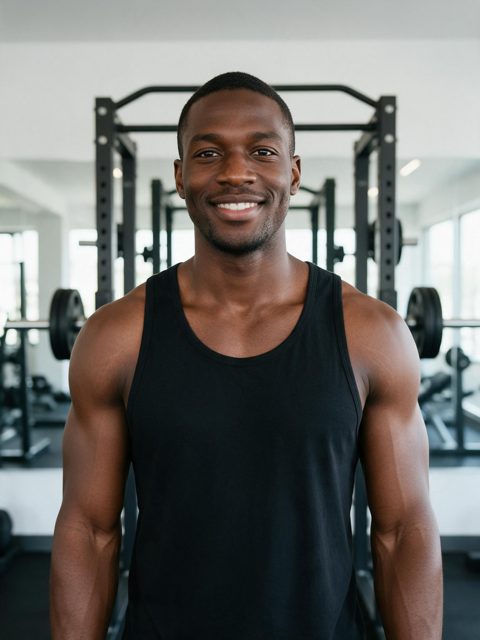
Gym mirror energy, black tank1 photo in · 7 s out
Park selfie, white tee1 photo in · 7 s out
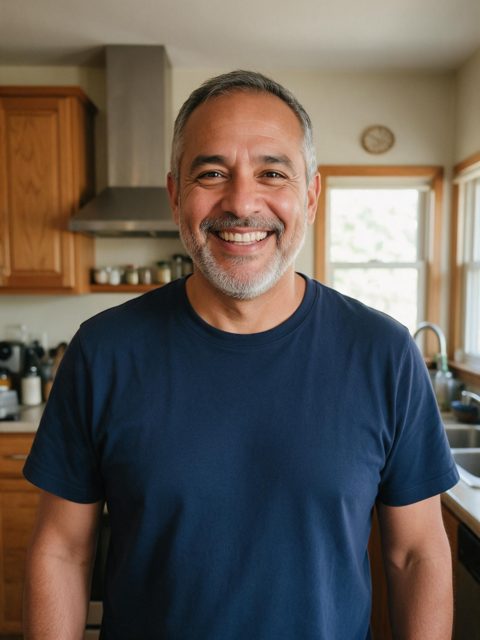
Kitchen dad, navy tee1 photo in · 7 s out
Arms cut off, group photos and far-away shots still render, but they look weaker: the AI has to guess what it cannot see, so hands can look odd and the heart may not close.
Your arms stay the size they are in the photo. No added muscle, no slimming, no face edits.
One person per video. In a group photo the wrong person may move, so crop to one first.
Real adults only. Pet photos and photos of children are not supported.
The trend clip only guides the moves and timing. Its creator never appears in your video.
Buy one video, or save with a pack. One-time payment, no subscription, and unused videos never expire.
Secure checkout by Stripe · No subscription · Failed renders returned · Not happy with a video? Email us within 7 days · Unused videos refundable within 7 days · The sound is for personal posts · Refund Policy
No. Each video is rendered by a paid AI video model at 720p, so there is no free version. One video is $9.99, and a failed render goes back to your balance automatically.
No. Bicep Heart AI does the flex and the heart for you. A relaxed, waist-up photo with both arms visible works best; the AI moves your arms like the trend clip.
Not yet. Each video has one person. For a duet, make one video each and post them side by side.
Usually 5 to 7 minutes. You can close the page: we email you when it is ready, and it is saved in My Videos.
Yes. The caption goes on when you save, with a switch to leave it off. The trend sound is already on the video, and you can swap it for any TikTok sound when you post.
Yes. It is stored privately, used only to make your video and never to train AI models. It is deleted after 30 days, or right away when you delete the video.
Yes. You get a 7-second 9:16 MP4 with no watermark. On TikTok, turn on the AI-generated content label when you post.
One photo, about 5 minutes, a 7-second video with the trend sound.
Make my bicep heart video