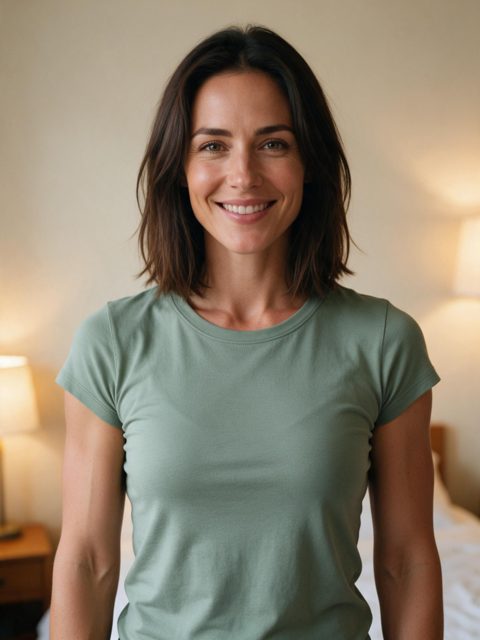
Bedroom selfie, green tee1 photo in · 7 s out
Several sites now turn a photo into the bicep heart trend, and they differ more than they look: some follow the real trend clip, some add the sound, few add the caption, and prices range from free with a watermark to subscriptions. Here is what to compare, so you can pick the one that fits, even if it is not ours.
Your 7-second video comes with the trend sound and caption already on it.
The sound is for personal posts; you can swap it on TikTok. Not happy with a finished video? Email us within 7 days. Refunds · How we handle your photo
From $9.99 a video. You sign in first; your photo stays selected.
The best bicep heart AI generator for you makes the pose from one ordinary photo, follows the trend's real timing so it lines up with the sound, keeps your face recognisable, delivers a vertical video you can post as is, and charges in a way that suits how many videos you will make. A clear privacy policy matters too, because you are uploading a face.
A dedicated bicep heart template needs one photo and one tap. A general photo-to-video app needs you to describe the pose in a prompt, and the hand rarely lands on the bicep.
The best results copy the trend clip move for move (smile, flex at about 2 s, heart at about 4 s), so the video matches the sound everyone uses.
Some tools give a silent clip, some add the sound, few add the "have you ever heard of a bicep heart..." caption. Check what you get before paying.
The trend is about 7 seconds, vertical 9:16. 720p looks sharp on phones; 480p can look soft. Longer clips are not better if the heart lands late.
Per video, credits or a subscription. If you only want one or two videos, avoid subscriptions and check what one video really costs, including the smallest credit pack you must buy.
Free tiers usually mean a watermark, lower quality or a daily limit. Fine for a test; check before you post.
Look for how long your photo is kept, whether it is used for training, and whether a failed render gives your money or credits back.
Upload one photo, get the trend. Fastest and closest to the original, with little control over the moves.
You write a prompt describing the pose. More control and sometimes cheaper, but expect several tries before the heart looks right.
Free and the most authentic: prop your phone up and follow our pose guide. Takes practice, and you need to be happy on camera.
You want the human bicep heart from one photo, following the real trend timing, at 720p, with the sound and an optional caption, paying per video with no subscription, and a clear privacy page.
You want your pet doing it, a free version, a clip longer than 7 seconds, a video for paid ads (the trend sound is for personal posts), or the lowest possible price per video.
Each clip was made on this site from the one photo under it. Tap for sound. The people are AI-generated.
Bedroom selfie, green tee1 photo in · 7 s out
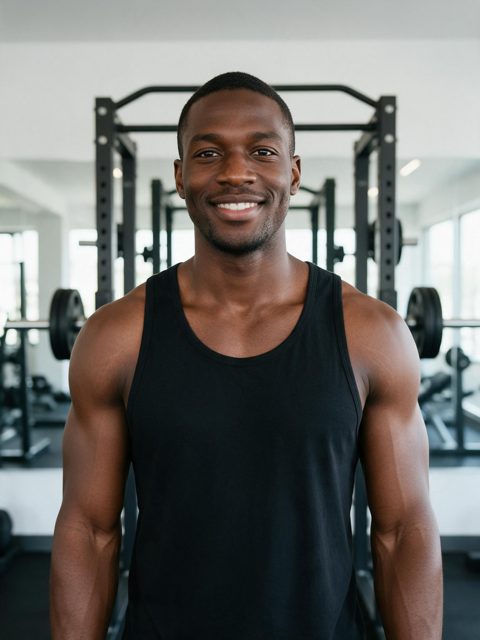
Gym mirror energy, black tank1 photo in · 7 s out
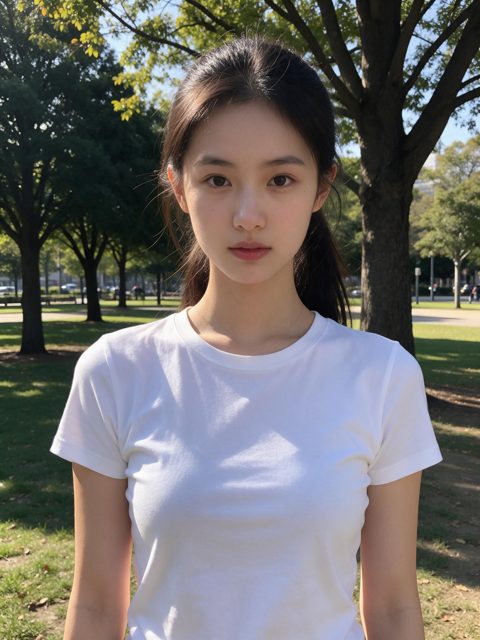
Park selfie, white tee1 photo in · 7 s out
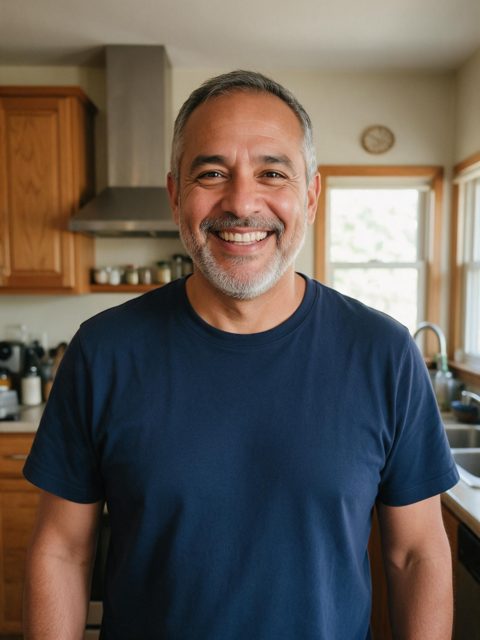
Kitchen dad, navy tee1 photo in · 7 s out
It depends on what you need. For the human trend from one photo with the sound and caption, a dedicated template site works best. For pets, look for one with a pet version. For free, film it yourself or accept a watermark.
Some general AI video apps have free daily limits, usually with a watermark or lower quality, and you have to prompt the pose yourself. Every render on a quality video model costs money, so most dedicated tools are paid.
Yes, by describing the pose in a prompt, but the hand often misses the bicep or the timing drifts, so expect a few tries. A template that follows the trend clip gets it right more often.
It does one thing: the human bicep heart from one photo, following the trend clip at 720p, with the trend sound and an optional caption, priced per video with no subscription. It does not do pets or other trends.
One photo, the real trend timing, the sound and caption on it.
Make my bicep heart video